WiFi Relay
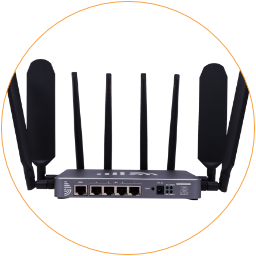
You can connect the 5G router to another WiFi hotspot to get a backup Internet connection or extend the current WiFi network.
After accessing the router’s admin page, go to the “WiFi > WiFi Relay” page.
- Click the tab on the top to choose the WiFi relay frequency from the first 2.4GHz and 5G WiFi relays.
- Choose “Enable” from the “WiFi Relay” field.
- Click the “Start to Scan” button to check the existing WiFi hotspots.
- Click “Join” on the WiFi hotspot you want to connect to from the scan result.
- Input the WiFi password in the “Key” field.
- Click the “Commit” button to join the existing WiFi hotspot.
